Features
Weasis features
This page lists the features supported by Weasis. For a step-by-step walkthrough of each tool, see the Tutorials.
-
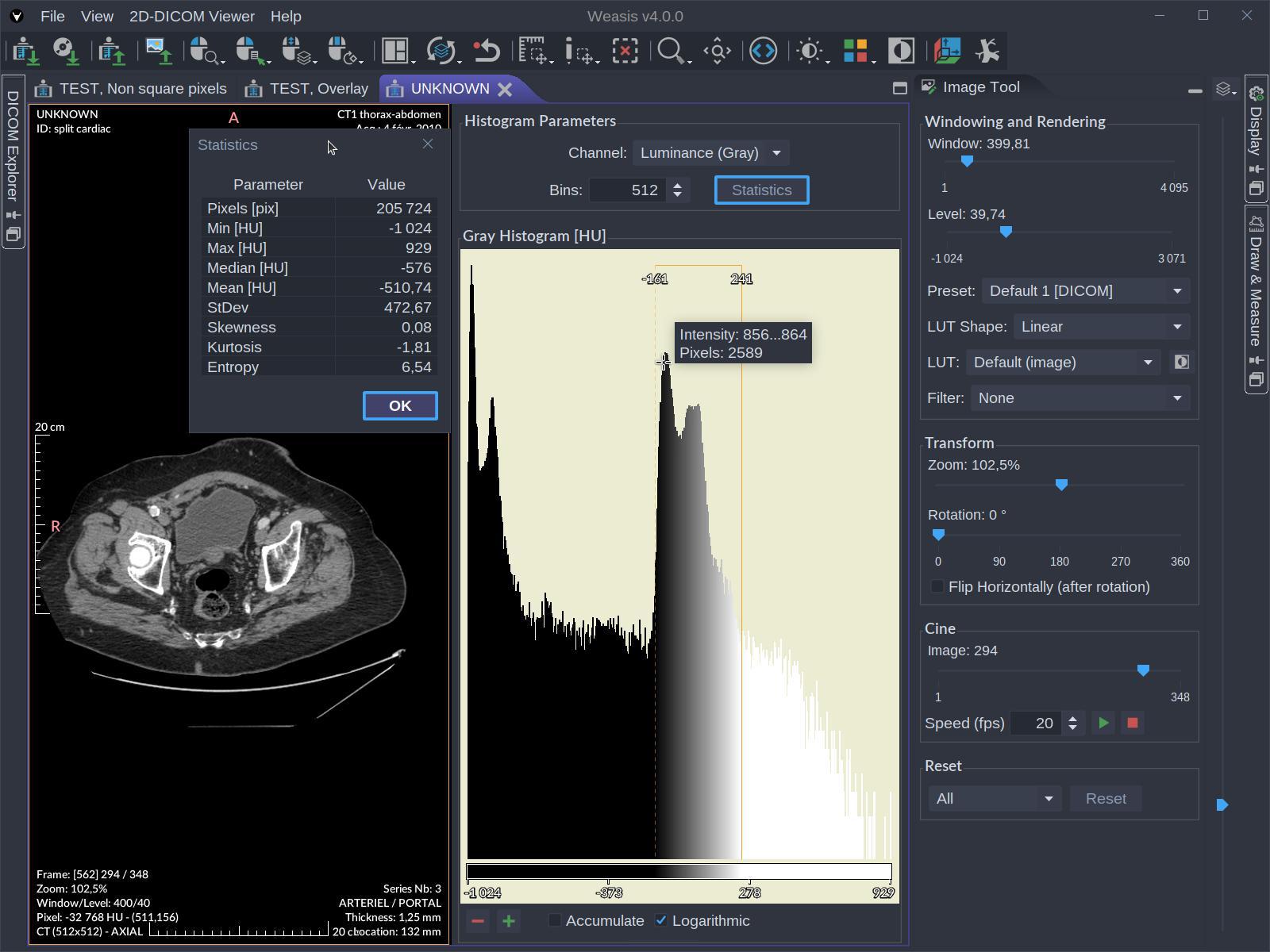
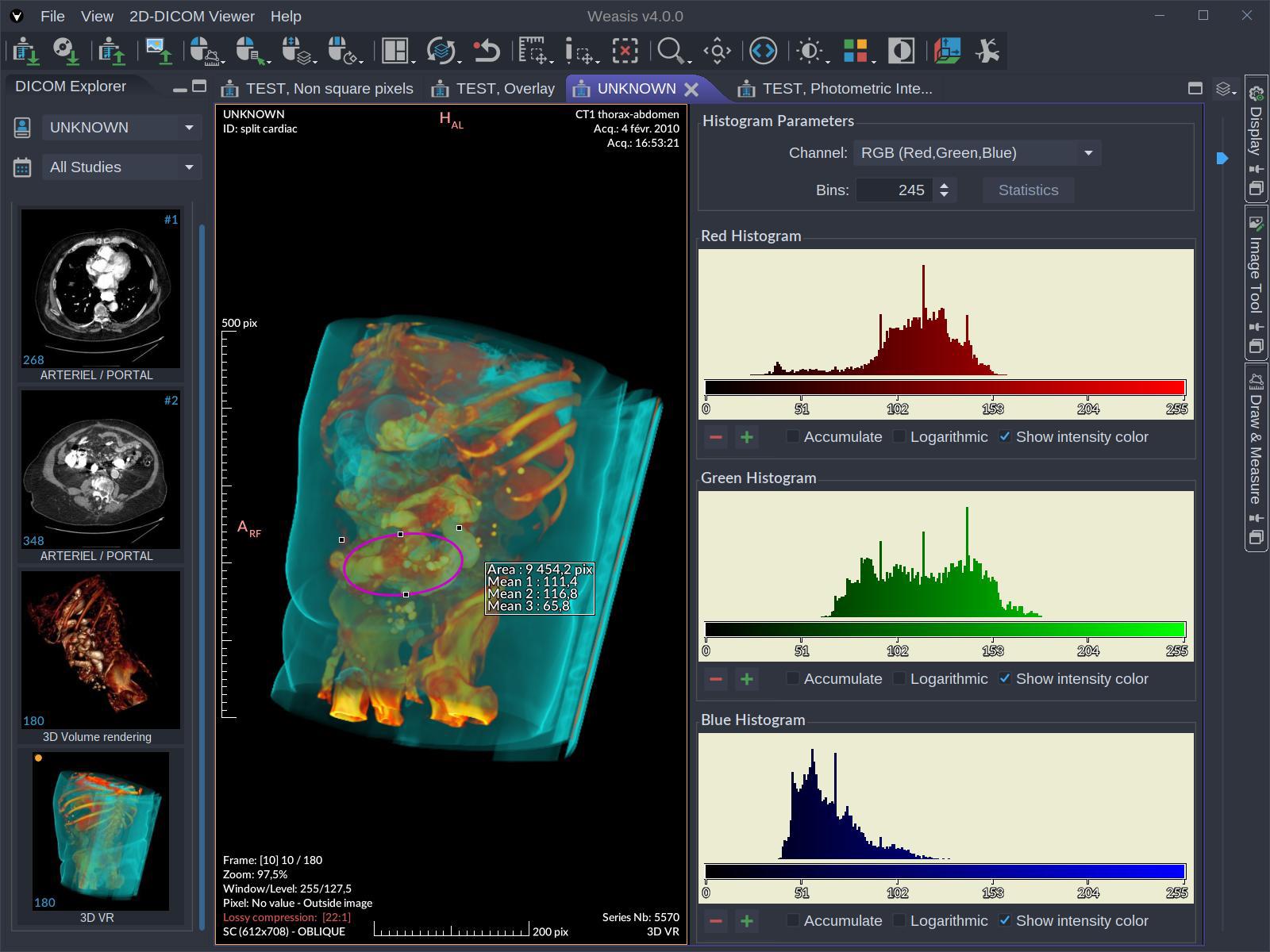
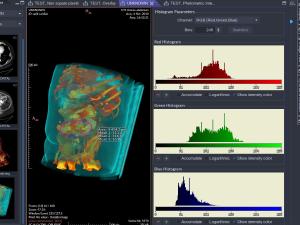 Color Histograms
-
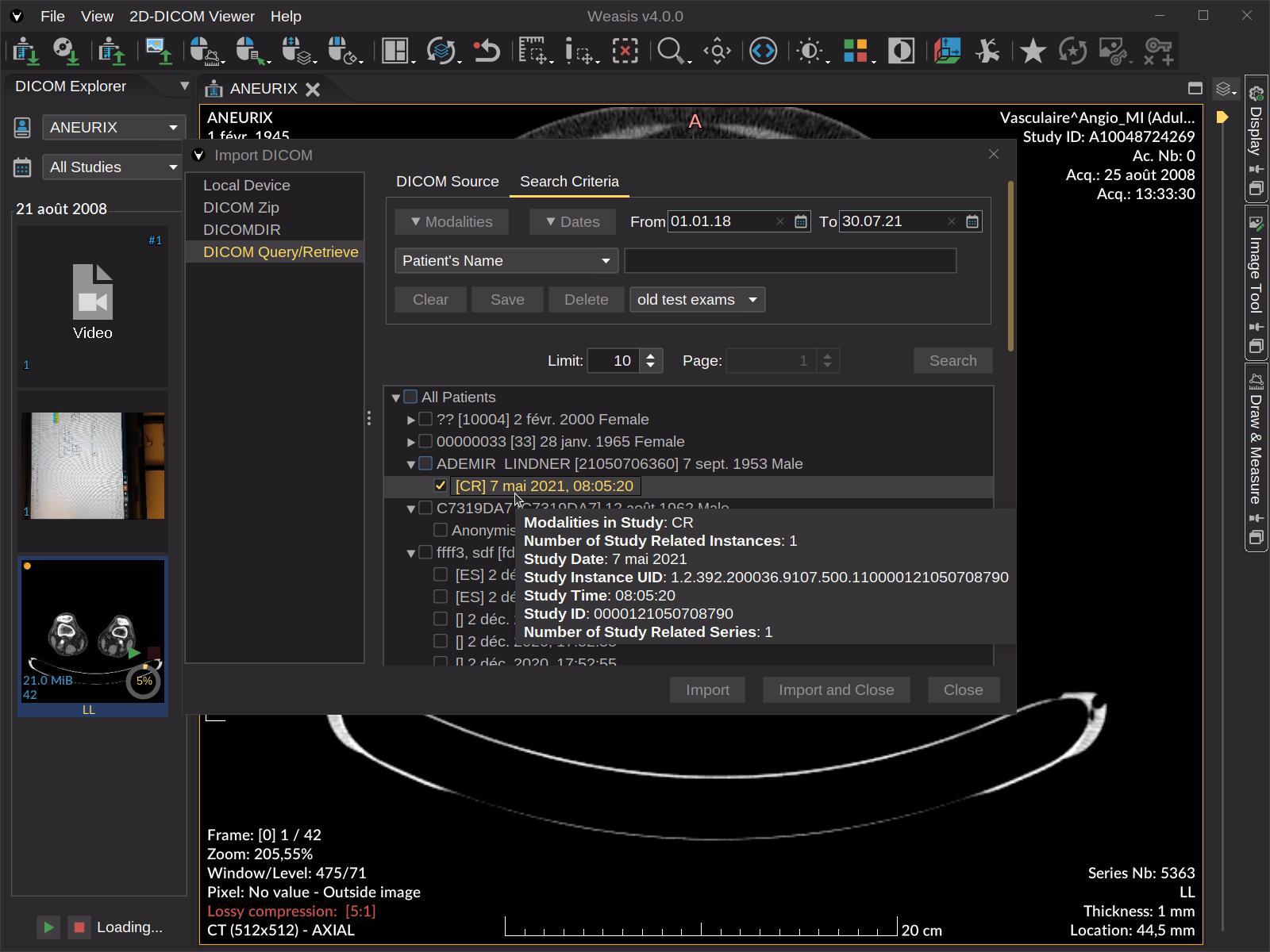
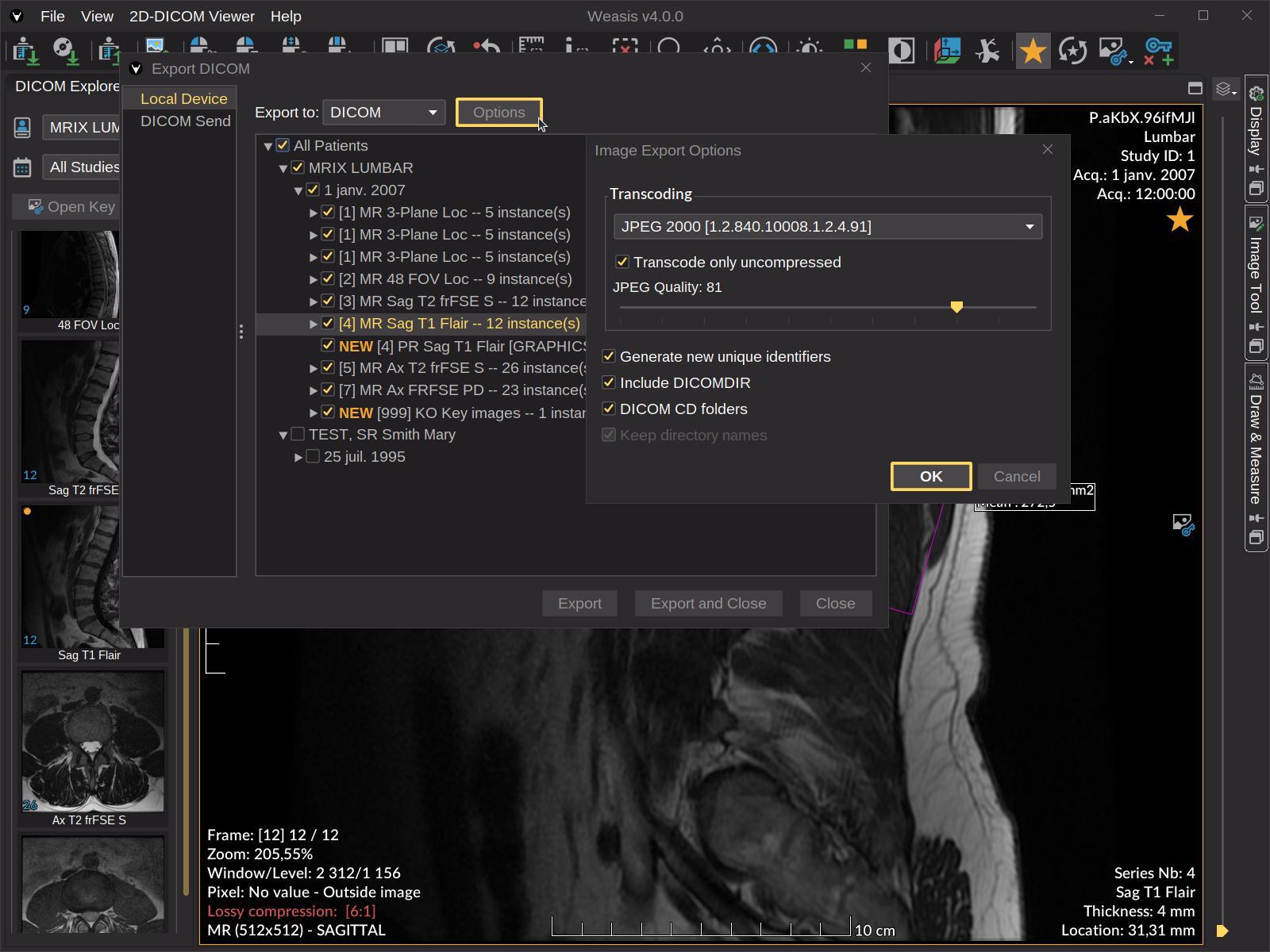
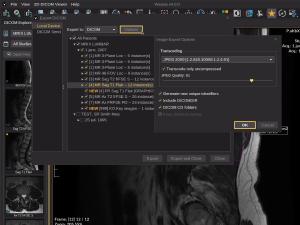 Exporting DICOM
-
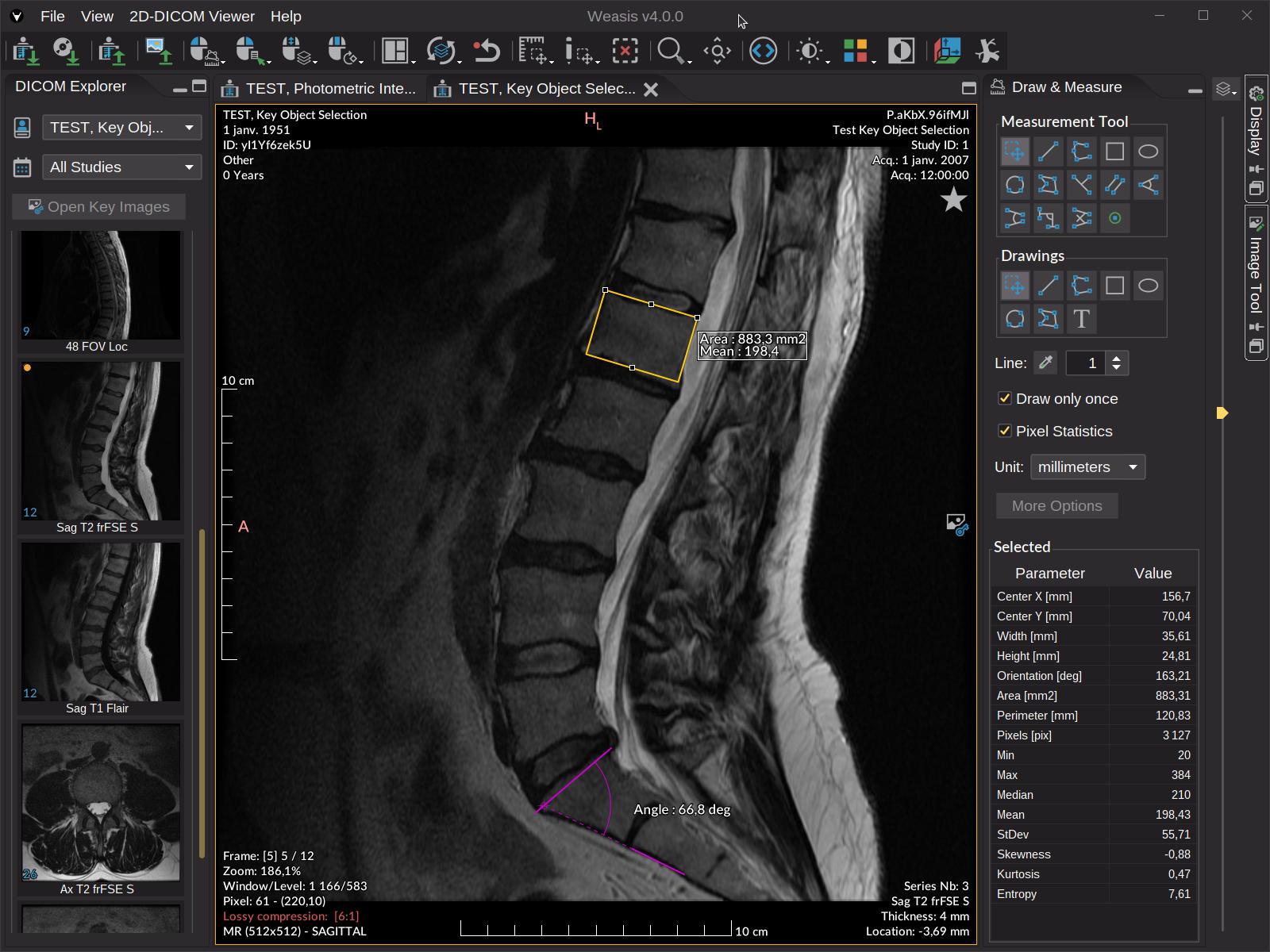
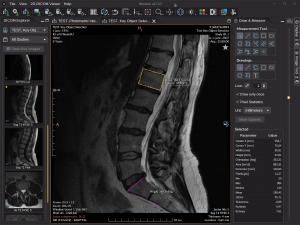 Measurement tools
-
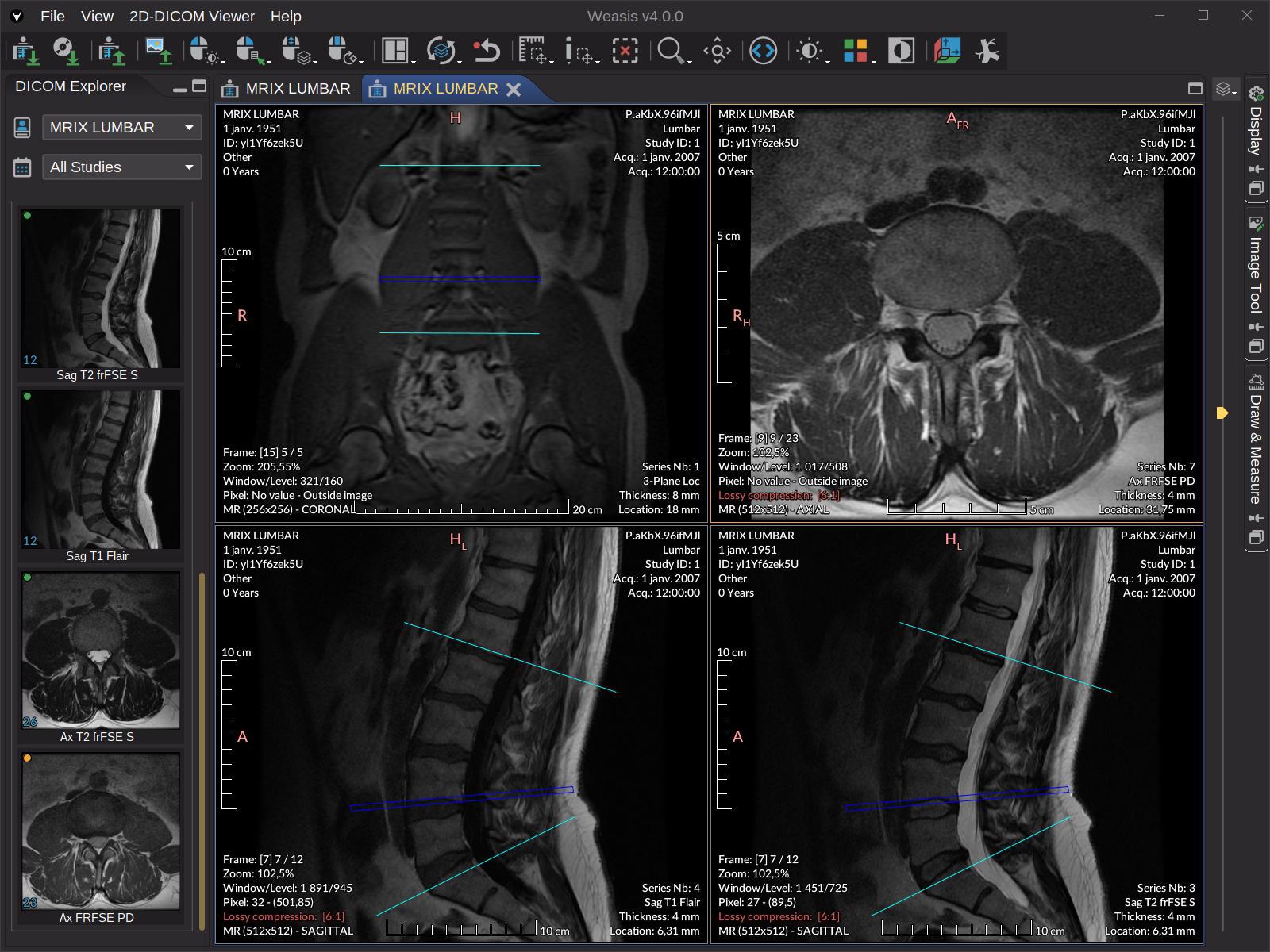
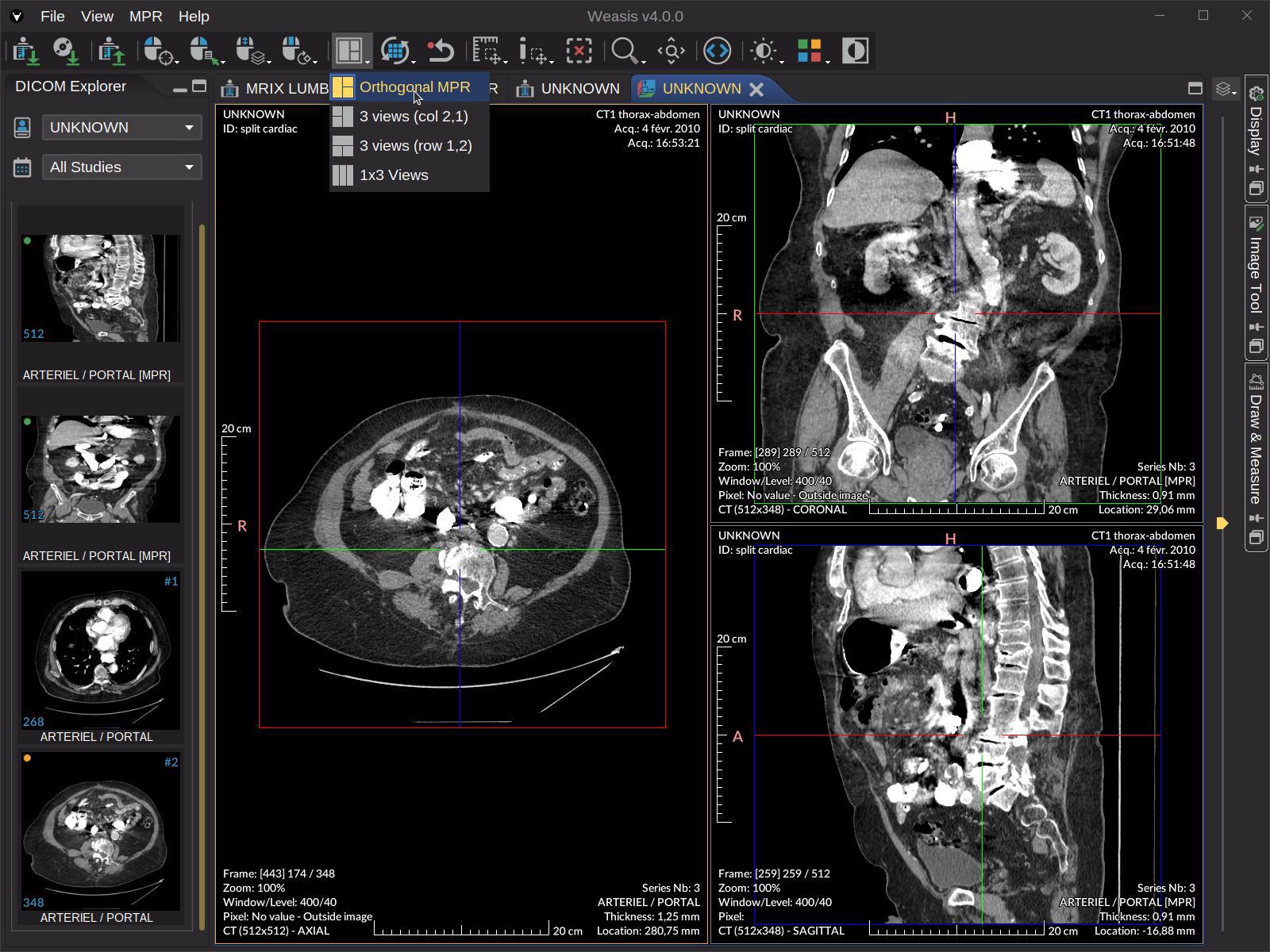
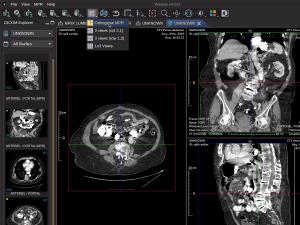 Orthogonal Multiplanar Reconstruction
-
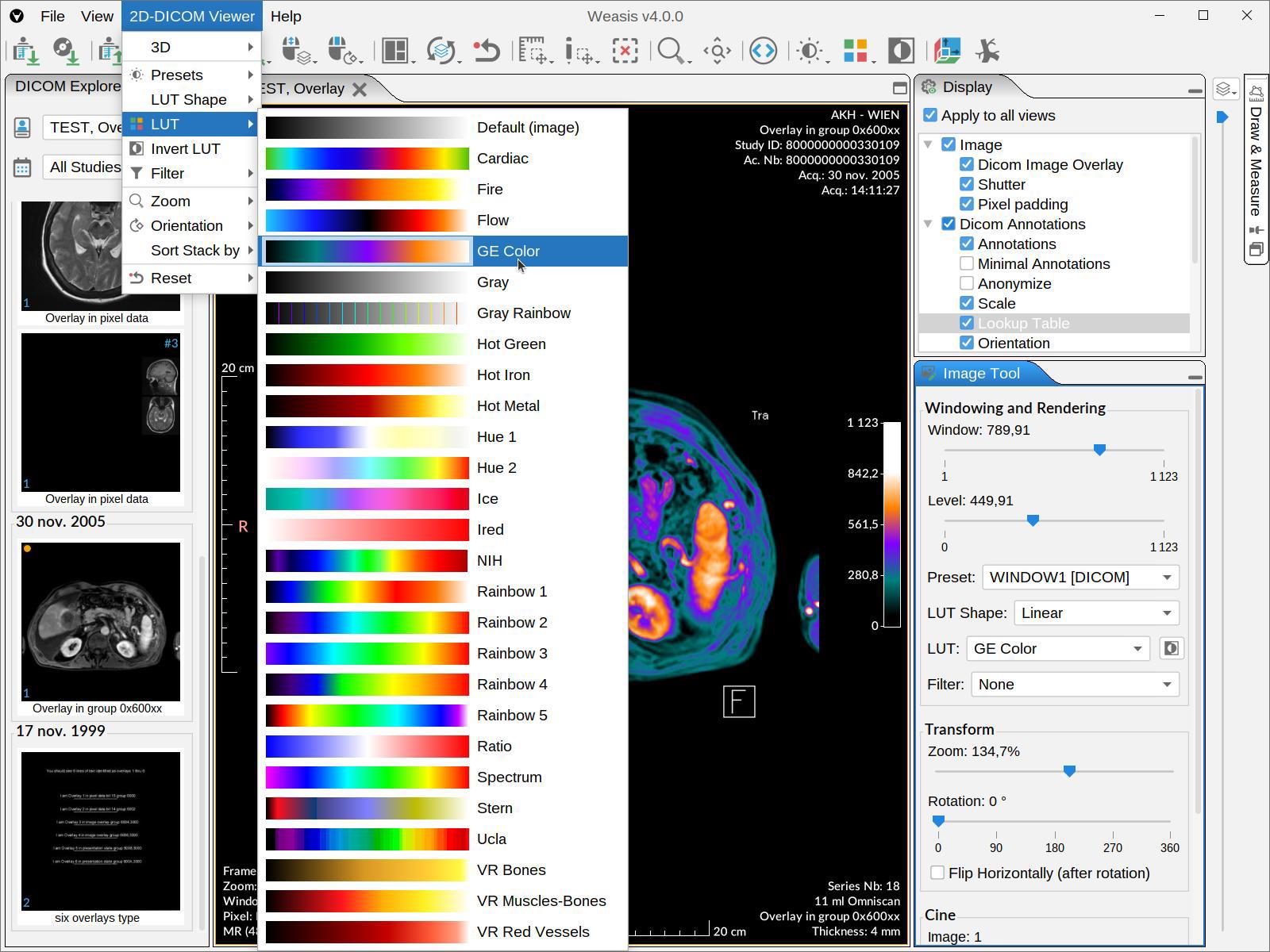
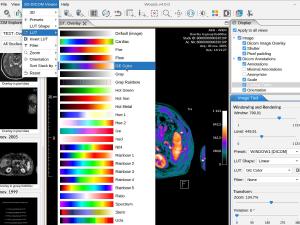 Pseudo-color
-
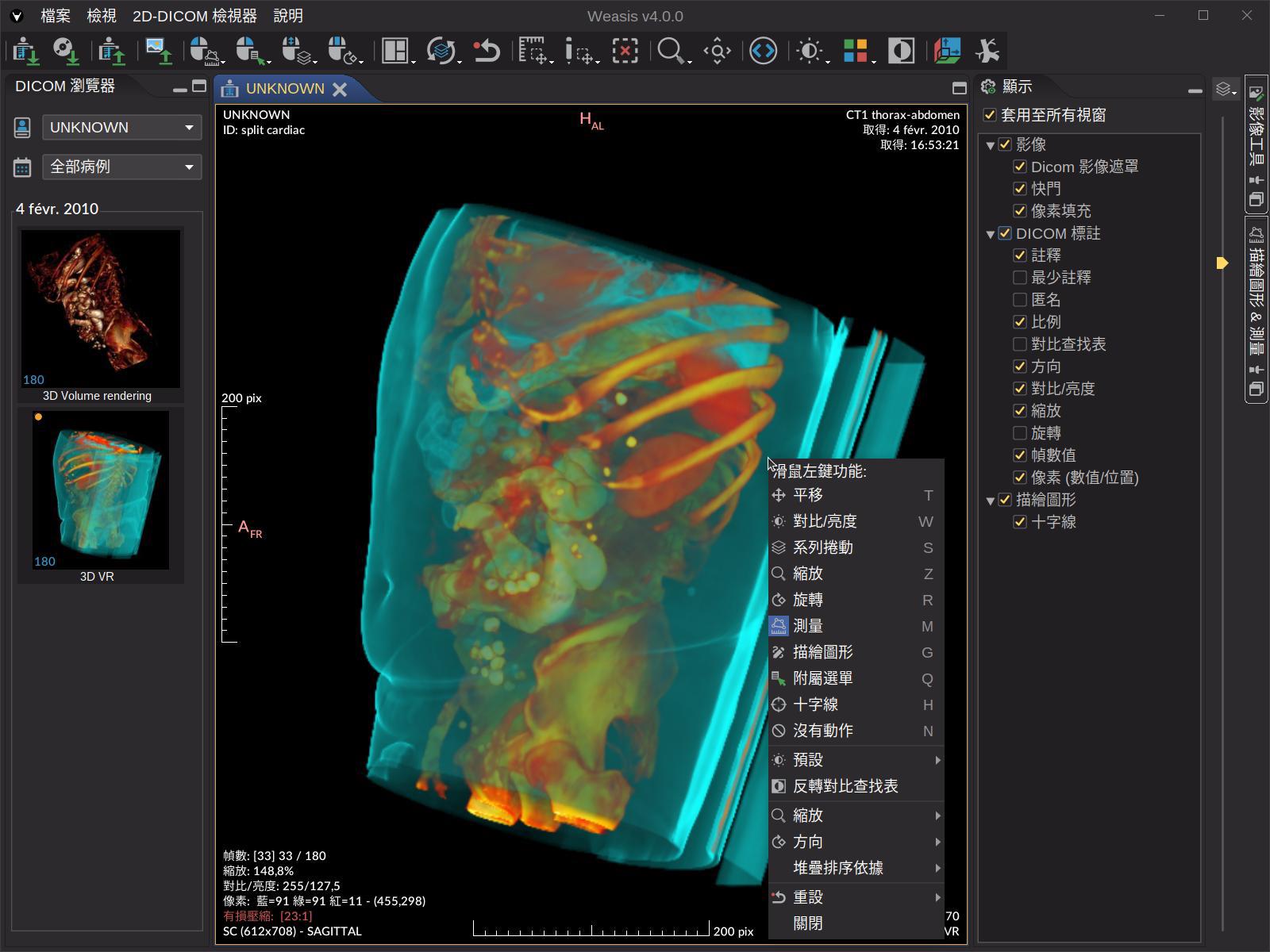
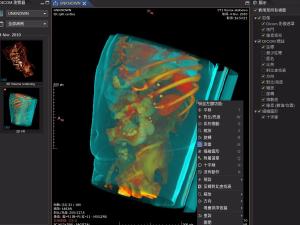 User Interface Language
Data type support
- Display every common DICOM file, including multi-frame, Enhanced (CT / MR / US Volume), MPEG-2, MPEG-4, MIME-encapsulated documents, SR, PR, KOS, SEG, AU, RT, ECG, and Parametric Map (float / double pixels).
- Modern transfer-syntax codecs — JPEG (baseline, extended, lossless), JPEG-LS, JPEG 2000, JPEG-XL, RLE, Deflated Explicit VR Little Endian.
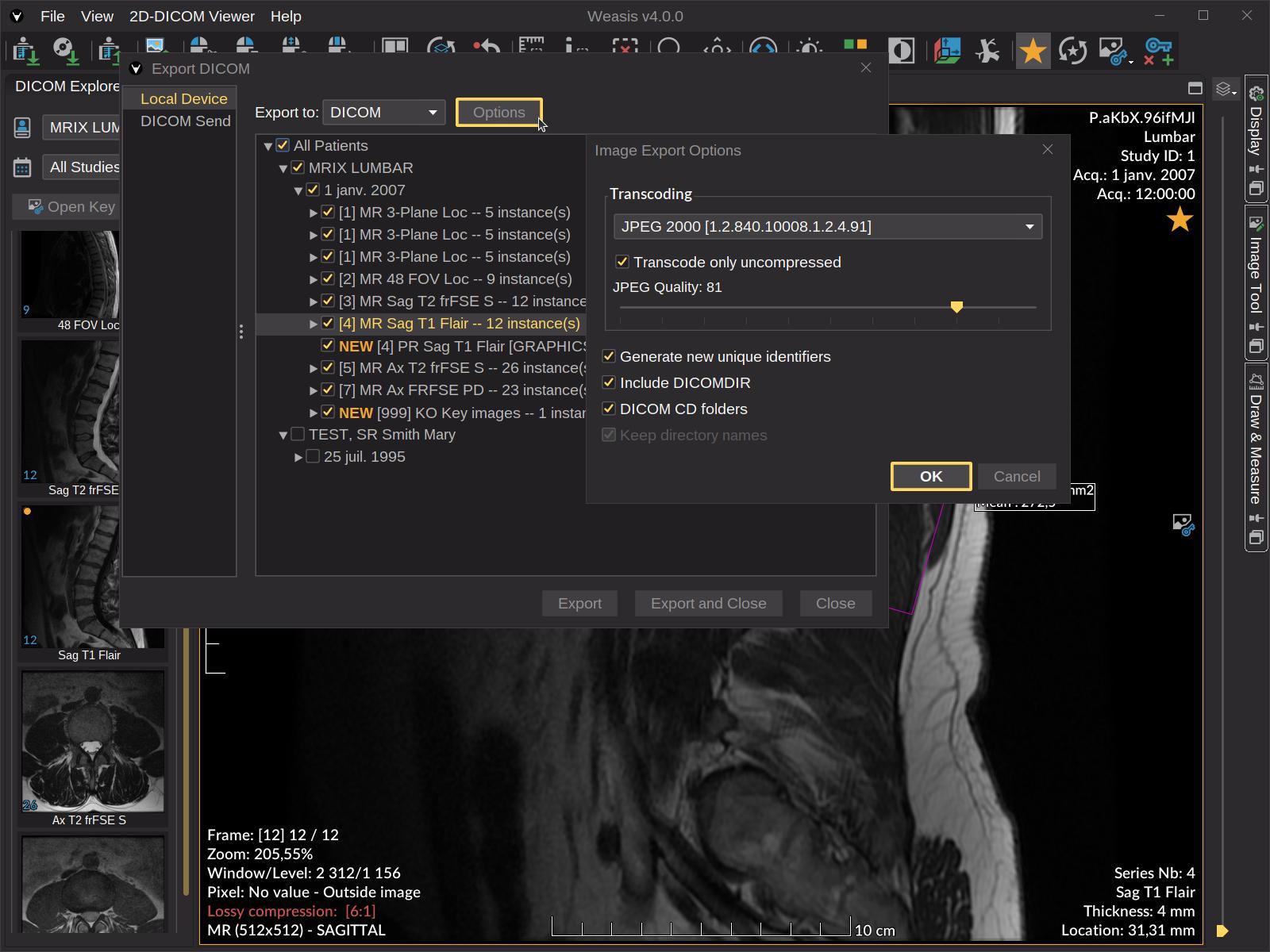
- Import and export DICOM CD/DVD with DICOMDIR.
- Import and export DICOM ZIP archives (password-protected supported on import).
- Viewer for common image formats: TIFF, BMP, GIF, JPEG, JPEG 2000, JPEG-XL, PNG, RAS, HDR, PNM.
Importing & exporting
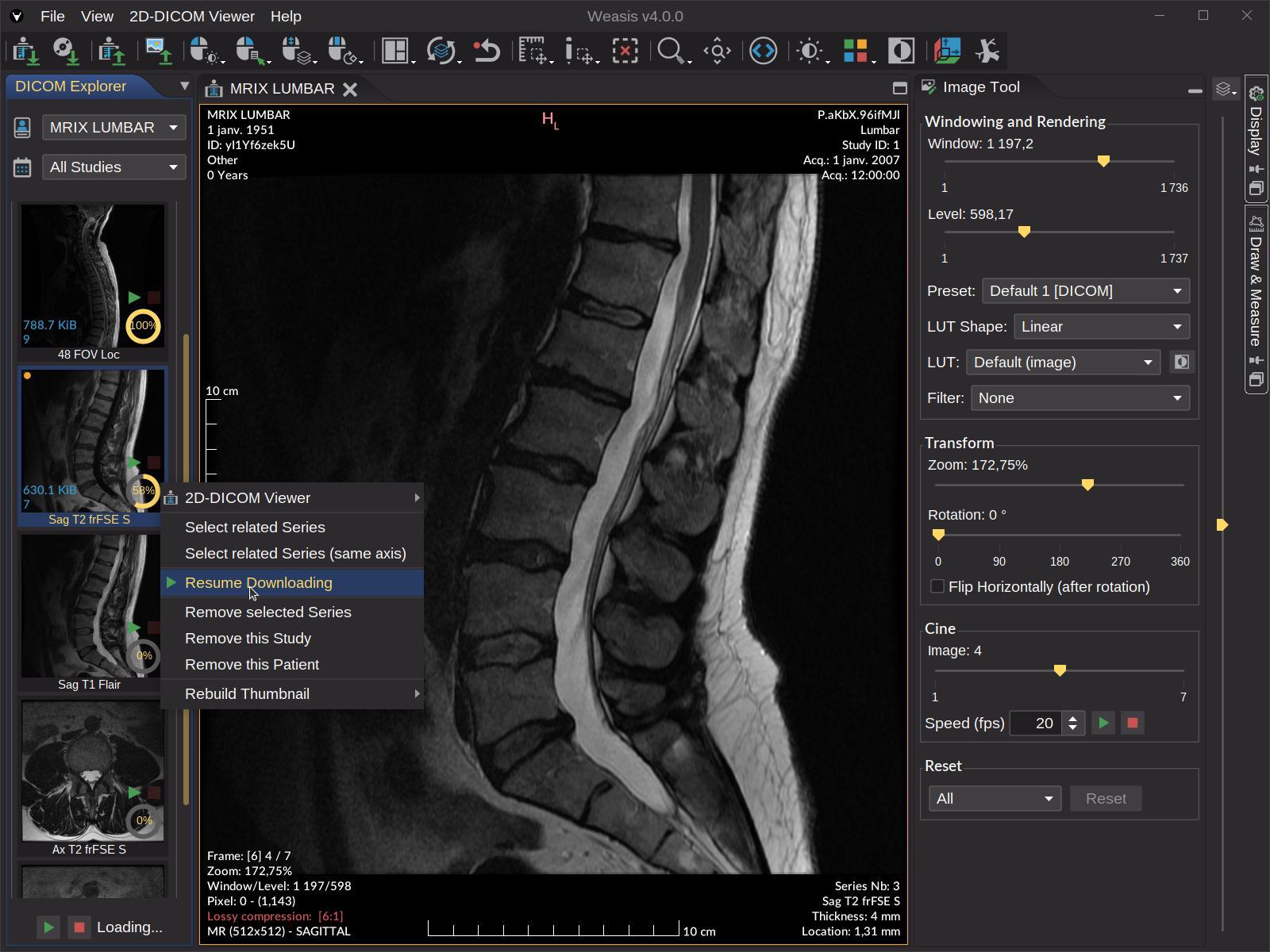
- DICOM Query / Retrieve — C-FIND, C-GET, C-MOVE, WADO-URI.
- DICOMweb — QIDO-RS, WADO-RS, STOW-RS over HTTPS, configurable per source.
- Send / Export — store to a PACS or DICOMweb server (C-STORE or STOW-RS); export locally as DICOMDIR ZIP, ISO image (with Weasis embedded on Windows x86-64), TIFF, JPEG, PNG, AVI / MP4.
- Manifest-driven loading — supports XML manifests including
DirectDownloadFile/DirectDownloadThumbnailfor environments without a WADO server. weasis://protocol — single-click launch from web portals, EHR / RIS / HIS systems.- Save measurements and annotations as DICOM Presentation States (GSPS) or XML files.
Viewing & image rendering
- Multi-monitor support with per-monitor calibration, HiDPI awareness, full-screen mode.
- Image manipulation with the mouse (pan, zoom, windowing, rotation, scroll, crosshair) and customizable keyboard shortcuts.
- Full DICOM rendering pipeline: Modality LUT, VOI LUT, LUT Shape (linear / sigmoid / logarithmic / non-linear), Presentation LUT.
- Pseudo-color LUTs ordered by modality with preview.
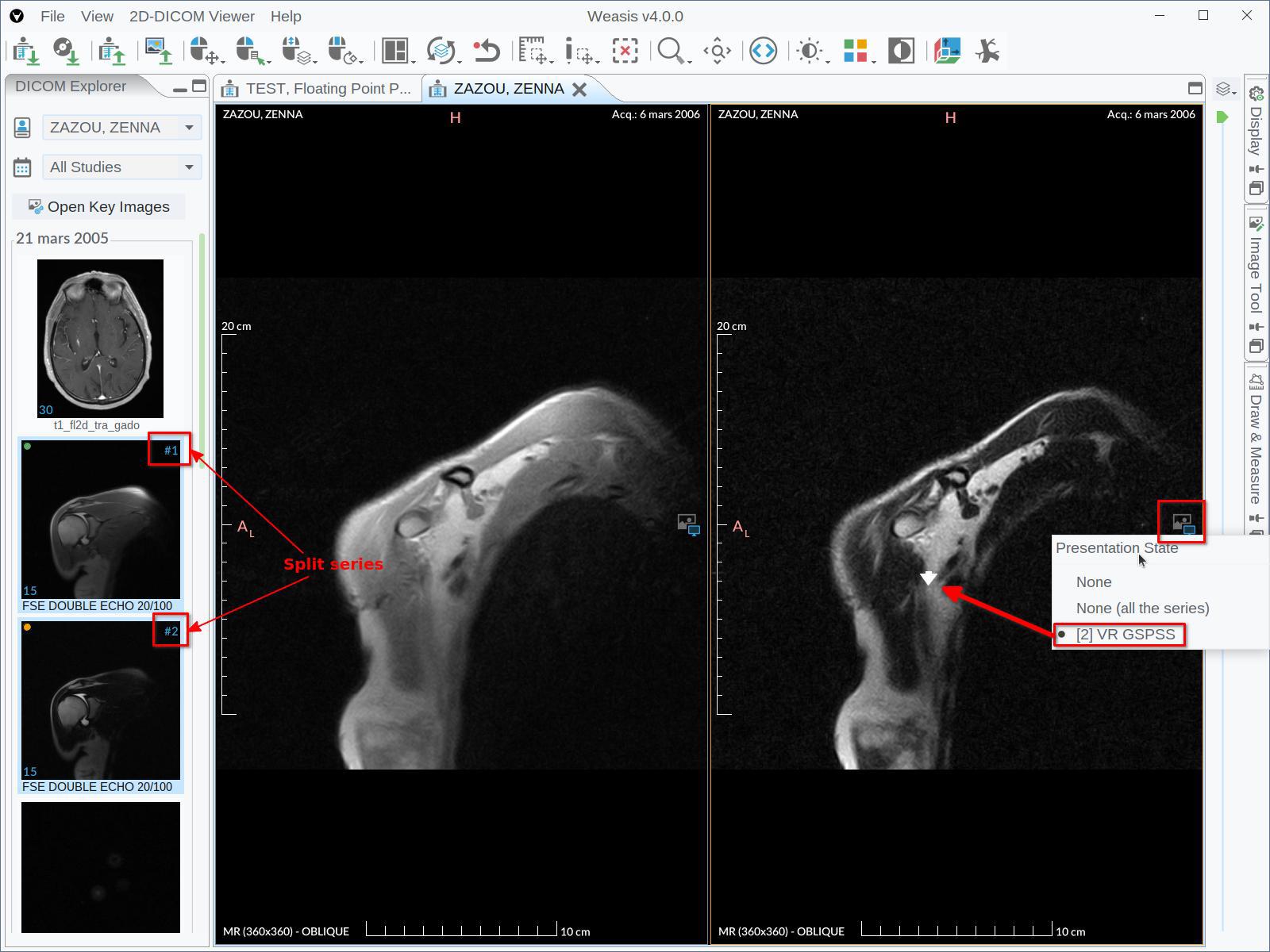
- DICOM Presentation States (GSPS) with graphic overlays.
- DICOM Overlays, Shutters, and Pixel Padding.
- Lossy-compression indicator in the information layer; visible warnings when the volume has geometry issues (irregular slice spacing, non-parallel slices, gantry tilt).
- Per-view synchronization with explicit per-action overrides; FrameOfReferenceUID-aware grouping (orphan views are excluded from auto-sync to prevent comparing unrelated anatomy).
- Manual synchronization as a fallback for views that don’t share a Frame of Reference, linked by relative slice index.
Advanced imaging
- Oblique Multi-Planar Reconstruction (MPR) with gantry-tilt correction (backward mapping + trilinear interpolation) and 3D matrix transformations for non-standard patient positioning.
- Curved MPR (CPR) — trace a curve on the axial plane, typically the dental arch on a cone-beam CT, to build a panoramic view and cross-sectional slices.
- Maximum Intensity Projection (MIP / MinIP / Mean IP) available in the 2D, MPR and 3D views.
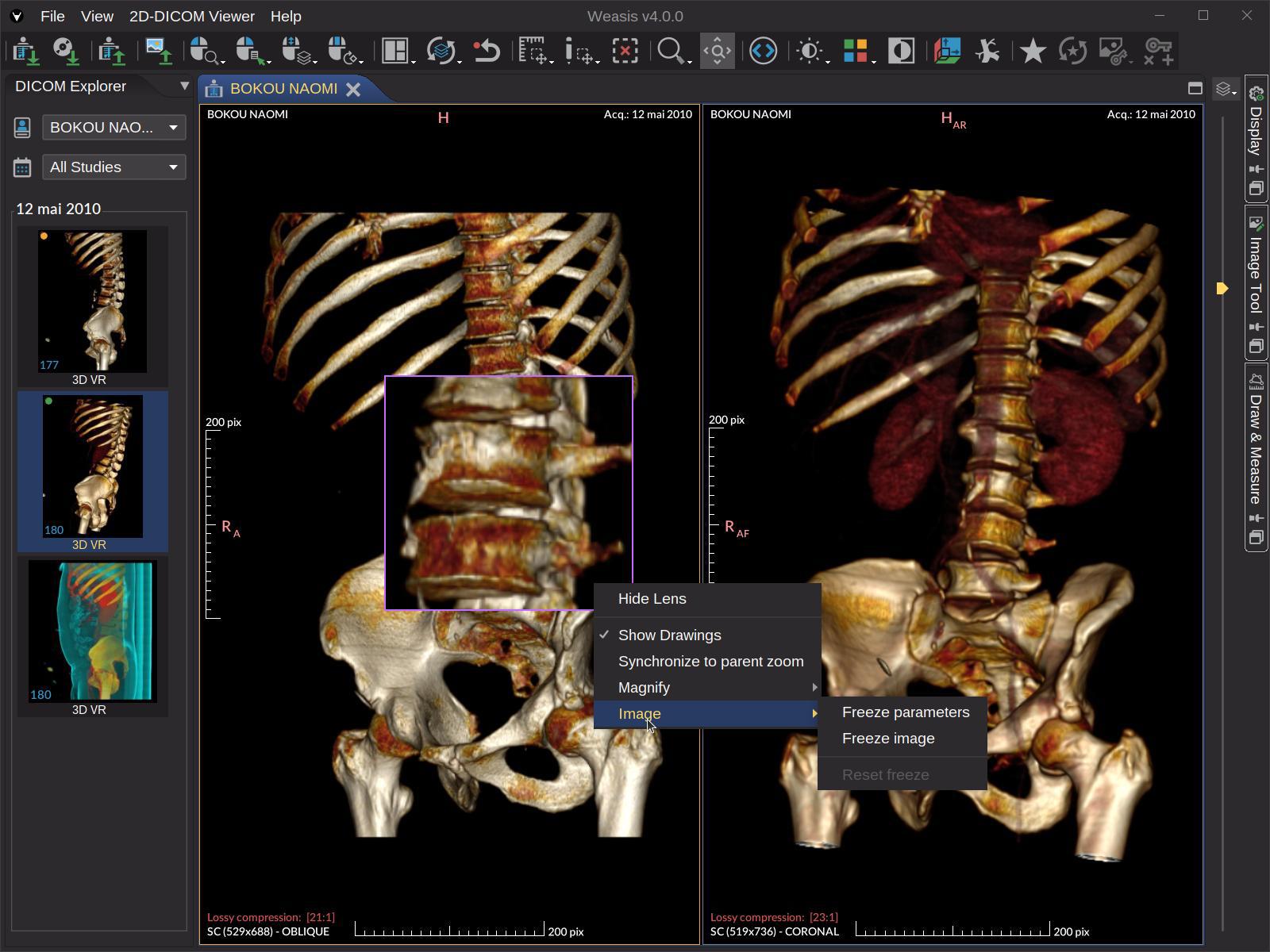
- 3D Volume Rendering with presets, an editor for custom Volume LUTs, and five segmentation modes — overlay, segmentation only, and two masks that keep or remove the voxels inside the visible regions.
- DICOM Segmentation (SEG) overlaid in 2D, MPR, and 3D — BINARY, FRACTIONAL, and LABELMAP types, with per-region visibility, color, opacity, volume and statistics, Show all / Hide all (Alt + S), and non-diagnostic segments (table, couch) hidden on load.
- PET/CT fusion — overlay a PET or SPECT series on its CT / MR base, in the 2D and MPR viewers, with a SUV display window and an on-image color scale.
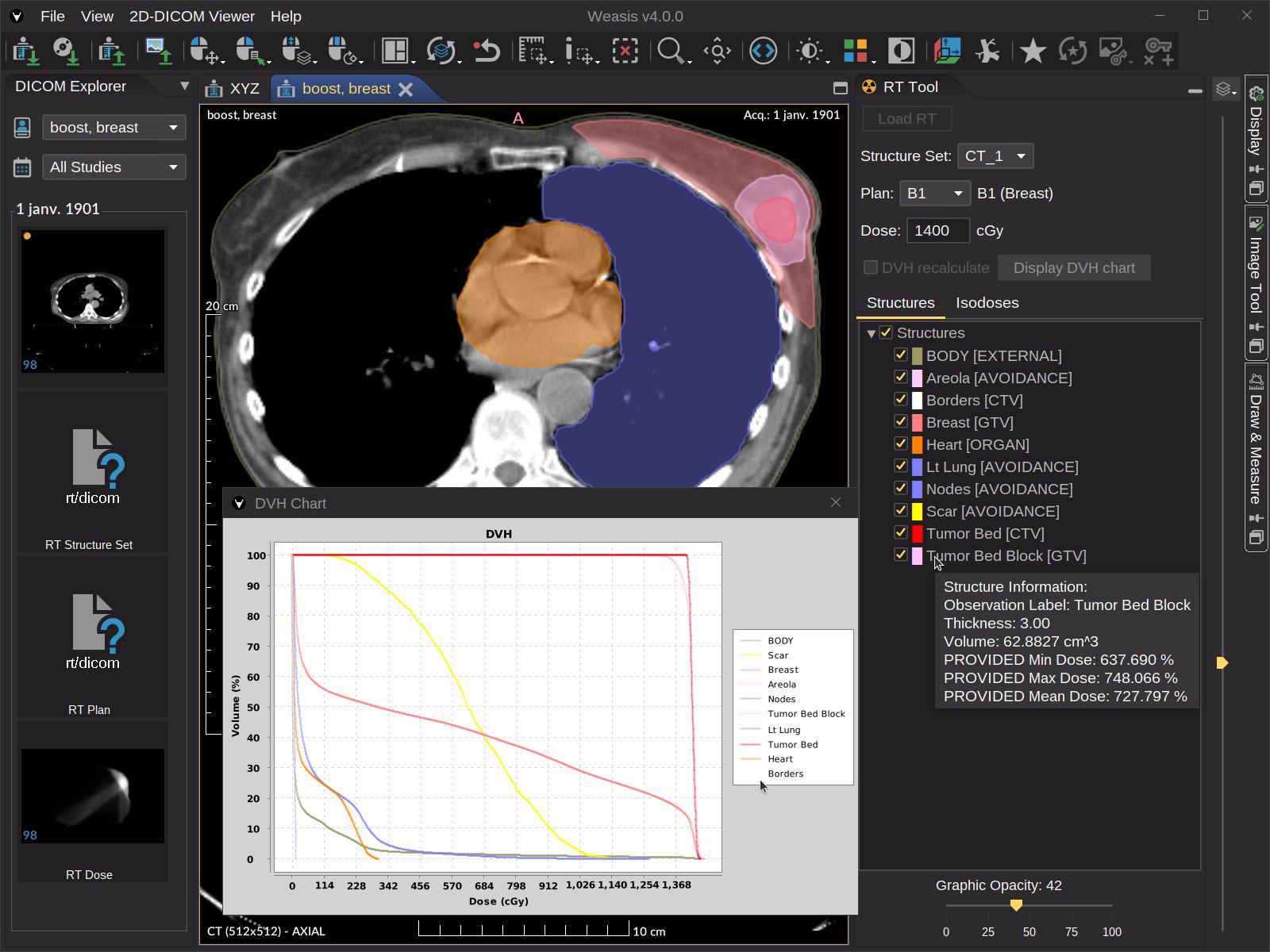
- DICOM RT — RTSTRUCT contours, RTDOSE isodose grid, and DVH chart (with optional on-the-fly DVH computation for missing structures).
- 4D / multi-phase series — automatic split into per-phase sub-series, with a confirmation dialog beyond 8 phases, ready for MPR / MIP / VR.
- 3D cursor (crosshair) and cross-lines linked through the Frame of Reference.
- Persistent magnifier glass with freeze options for side-by-side parameter comparison.
- Layouts for comparing series, studies, or modalities side-by-side.
Measurement & annotation tools
- Measurement tools — line, polyline, perpendicular and parallel lines, angle (incl. Cobb angle), rectangle, ellipse, polygon and free-hand shapes, drawn at any angle and editable point by point.
- Region statistics of pixels (Min, Max, Mean, StDev, Skewness, Kurtosis, Entropy).
- OMBB (Oriented Minimum Bounding Box) for polygon length / width / orientation.
- Histogram of modality values, including per-region histograms.
- SUV measurement (PET / nuclear medicine), body-weight method (SUVbw), QIBA-compliant — also on a fused PET/CT view.
- Volume and voxel count of segmented regions, with pixel statistics inside a region.
- Pixel-info inspector (raw value, modality value, presentation value).
Specific viewers
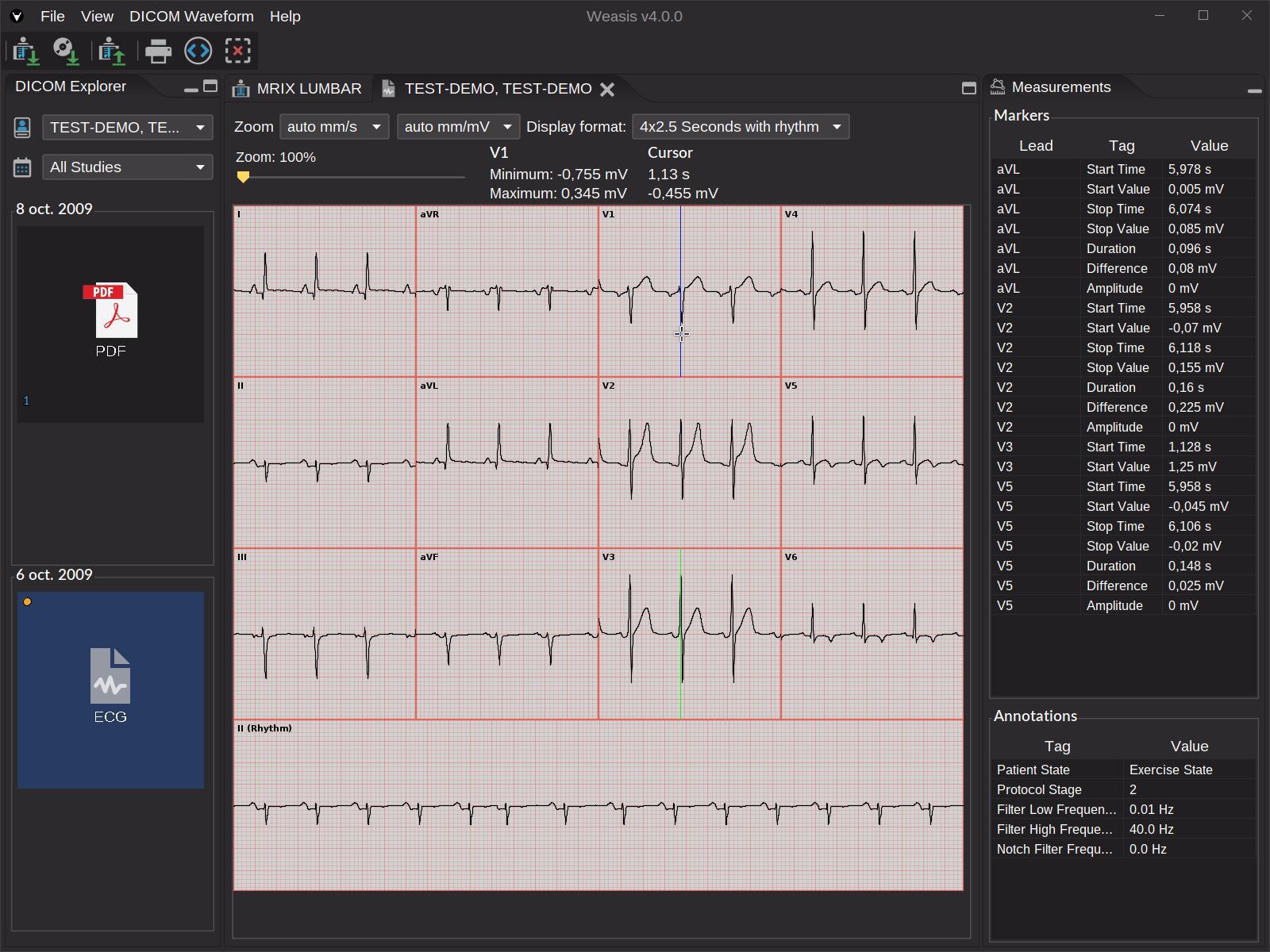
- DICOM ECG — display all DICOM waveforms with interactive measurements.
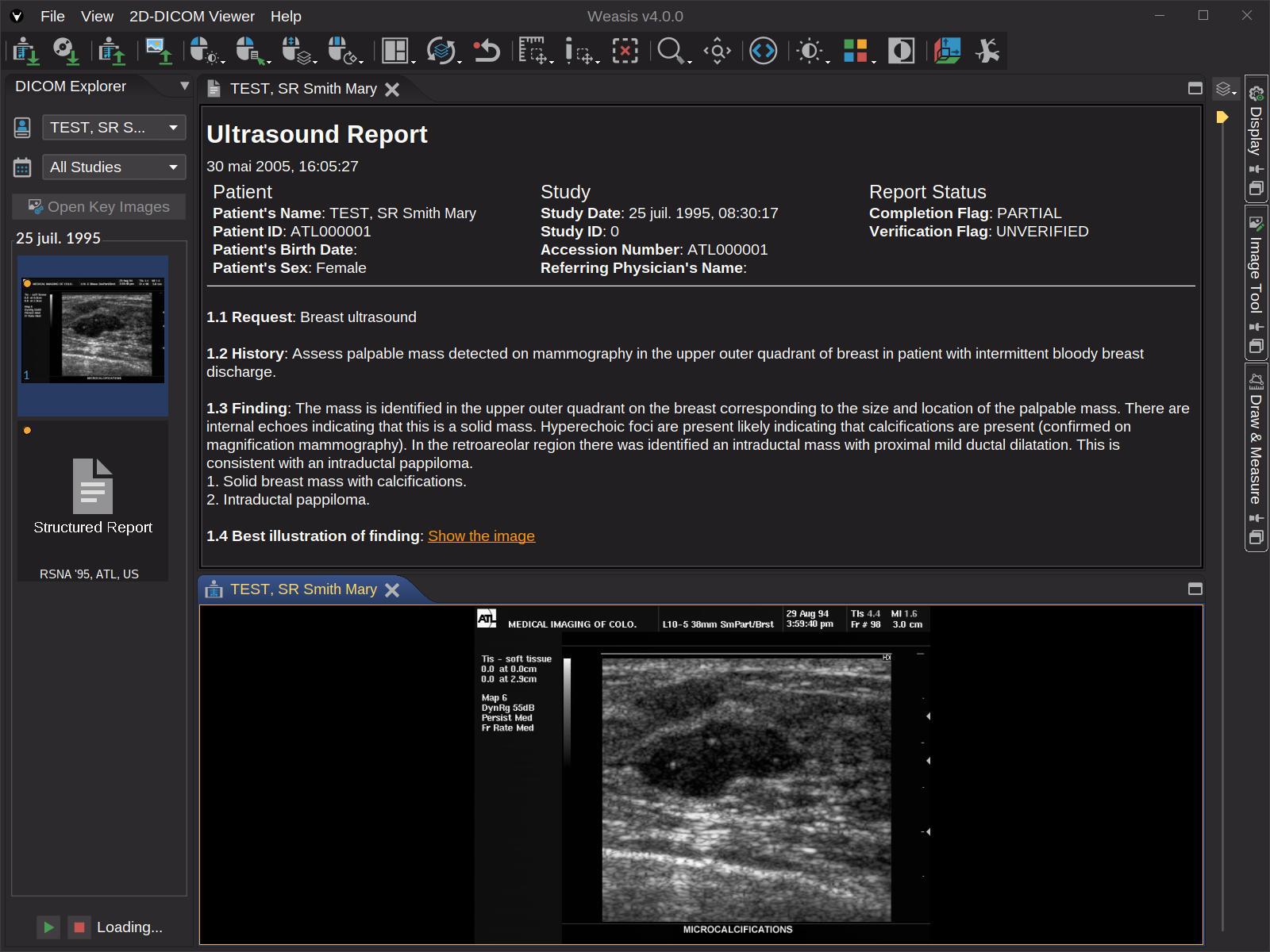
- DICOM SR — Structured Report viewer with hyperlinks to images and associated graphics; standard graphic types (POINT, MULTIPOINT, POLYLINE, CIRCLE, ELLIPSE) plus compound types (MULTILINE, RULER, ARROW, RECTANGLE).
- DICOM AU — audio player with export to WAV.
- DICOM RT tools for radiotherapy: RTSTRUCT, RTPLAN, RTDOSE, DVH chart.
AI / quantitative imaging
- Renders every common AI-produced DICOM object — SEG, RTSTRUCT, PR / GSPS, SR, Parametric Maps — with consistent overlays across 2D, MPR, and 3D. See the AI DICOM Objects page for the complete map of AI outputs to Weasis displays.
- Float and double pixel data supported throughout the windowing / LUT pipeline.
Security & quality
- Authentication & transport — Basic auth, OAuth 2.0, and OpenID Connect (Authorization Code with PKCE and loopback redirect, RFC 8252) — works against Keycloak, Google Cloud Healthcare, and any compliant OIDC provider; HTTPS for transport; code-signed installers.
- Supply chain — SBOM-tracked dependencies, continuous CVE monitoring.
- Static analysis — every build scanned by SonarCloud for reliability, maintainability, and security ratings; quality gate enforced on the main branch.
- Upstream libraries —
weasis-core-imgandweasis-dicom-toolsmaintain their own ISO 14971-style risk-coverage matrices. - See Is Weasis a certified medical device? for the certification disclaimer.
Other tools
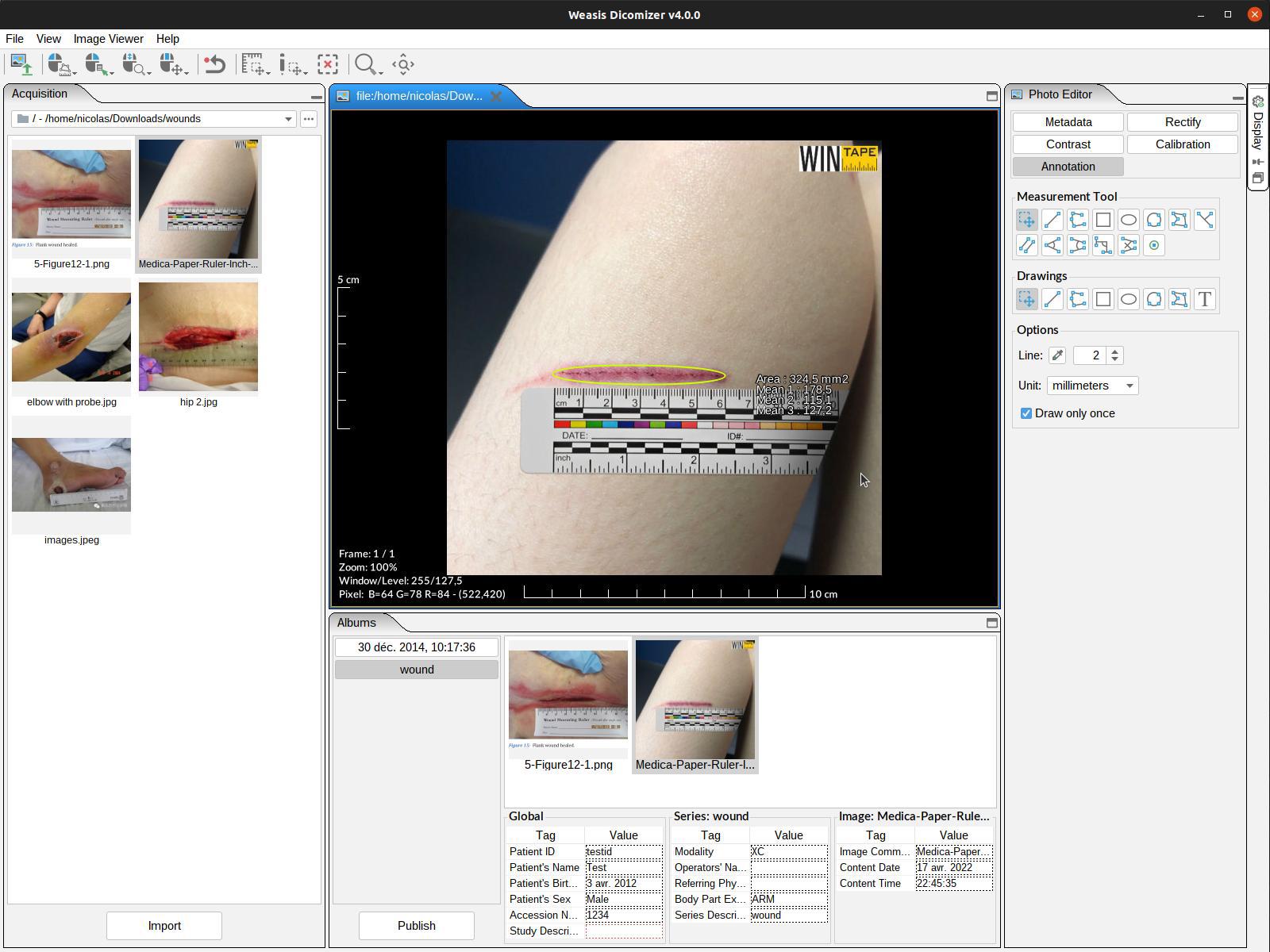
- Dicomizer — convert standard images, videos, PDFs, and STL meshes into DICOM, with worklist-driven metadata, video-size validation, and per-modality presets.
- DICOM printing — both standard printers and DICOM film printers.
- Key Object Selection — flag key images with the star button, filter scrolling to those images, export as a standard KO object.
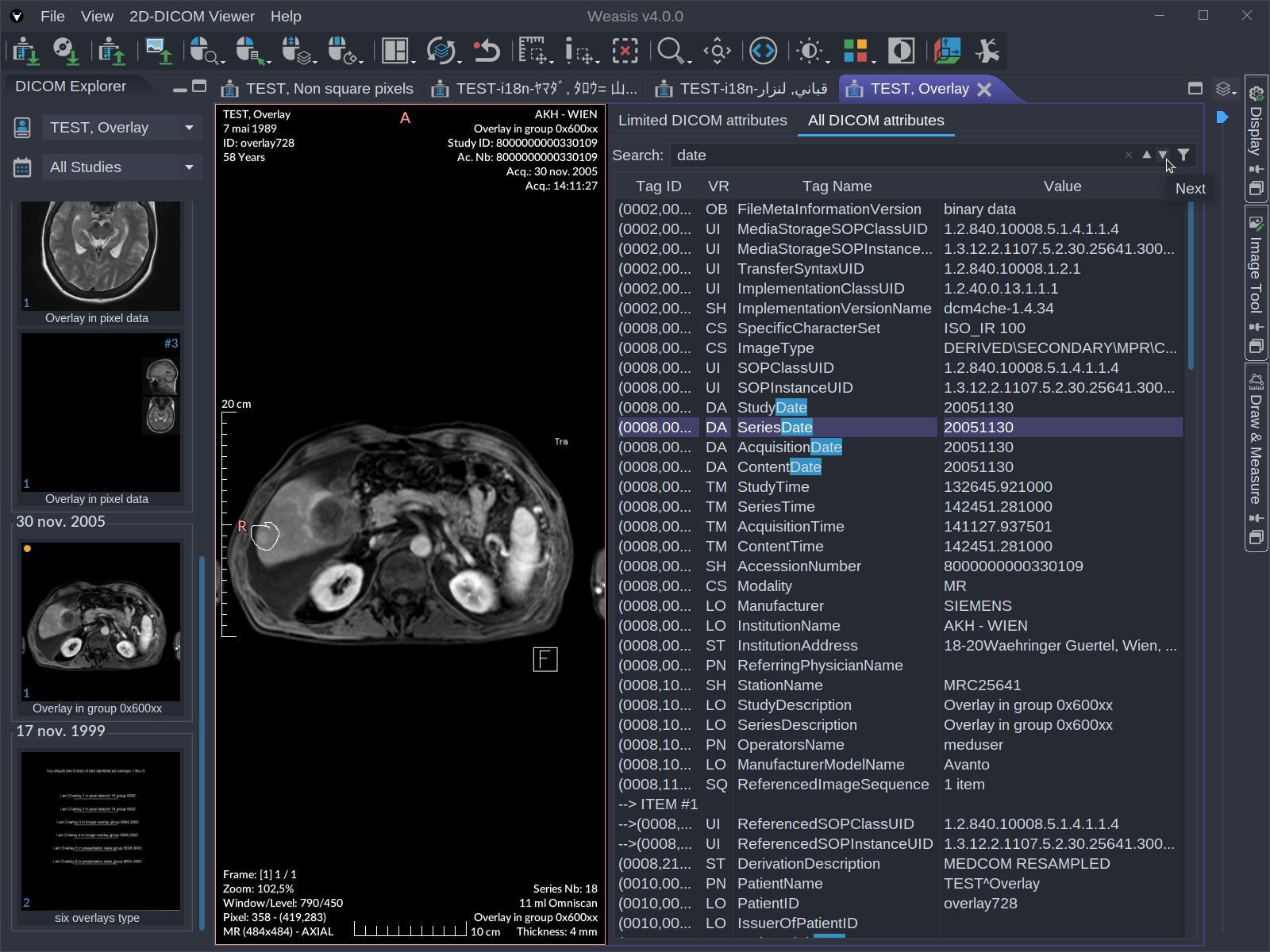
- DICOM attributes — display and full-text search across every tag in the file.
- Third-party launcher — hand off the current study (or its downloaded folder) to any external application, with dynamic placeholders such as
{tag:AccessionNumber}or{dicom:wado.folder}. - Multi-language UI with 20+ translations contributed by the community.
- Plugin architecture — the OSGi-based plug-in model lets vendors and research groups ship their own viewers and tools alongside Weasis (see Build plug-ins).